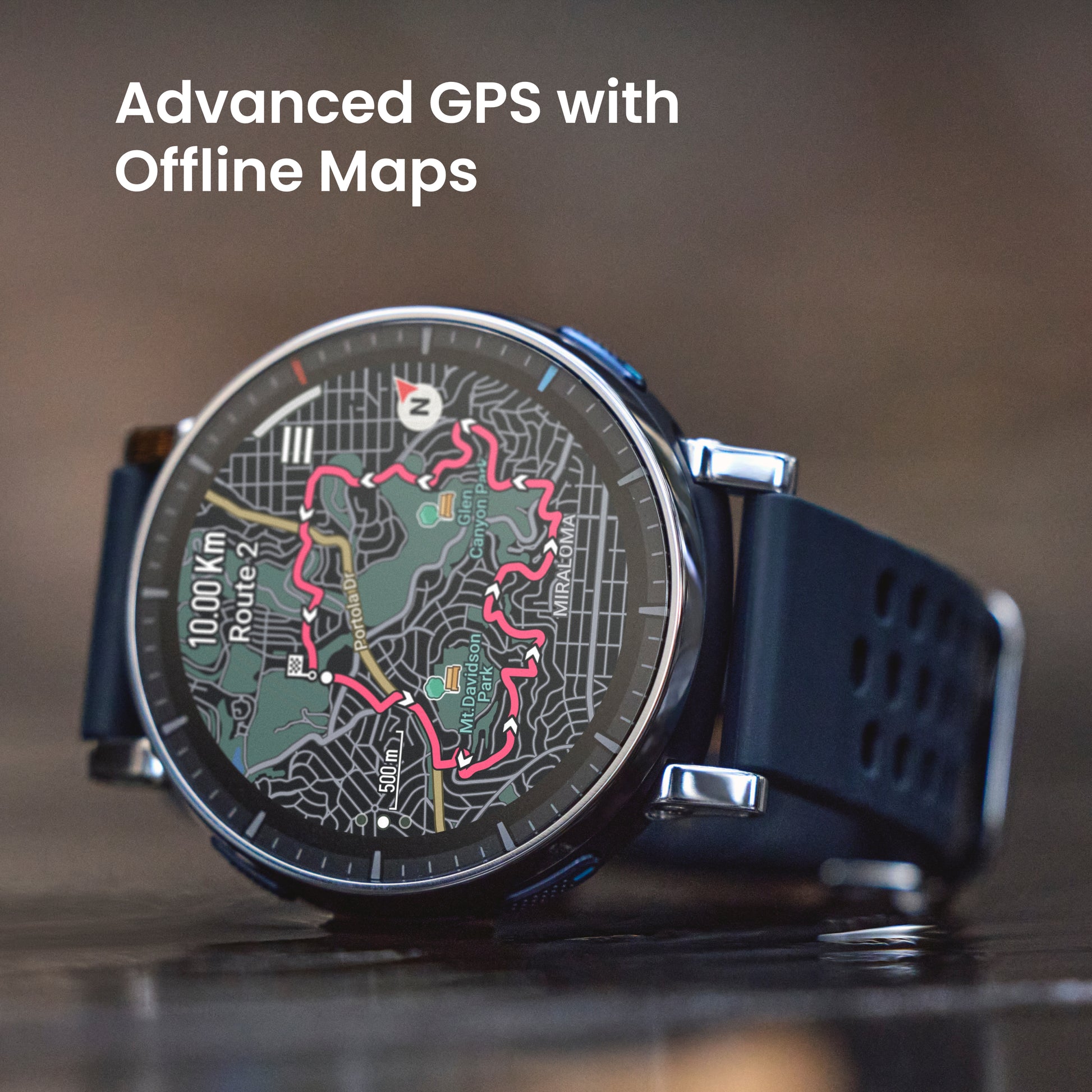
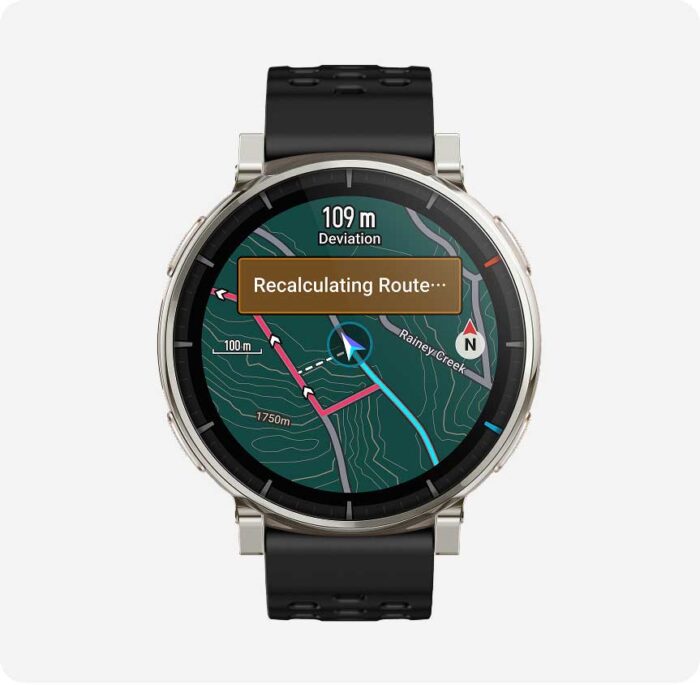
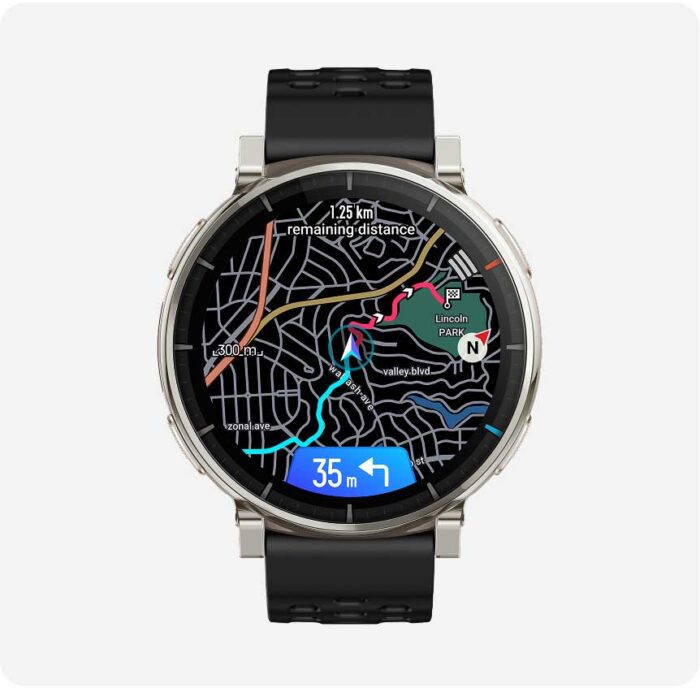
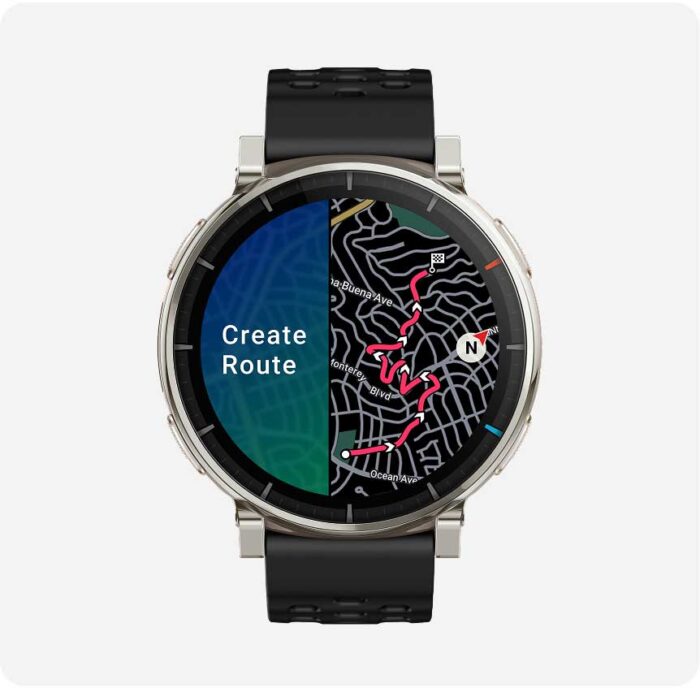
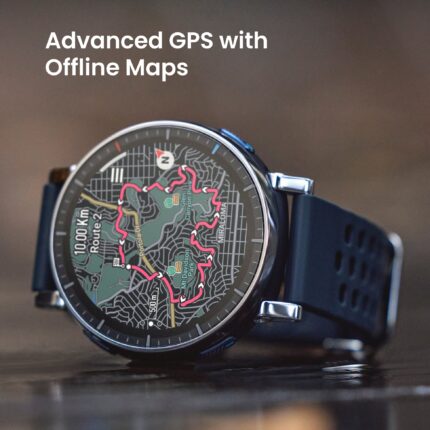
1. The Amazfit Active 3 Premium can be used as a map browsing tool to import OSM map files. The downloaded offline map must match your real location to be displayed, and a route file must be imported for navigation – it's not possible to choose a point on the offline map for navigation. The shown straight line back to the start of a journey may not be a practical route to follow due to environmental factors; this is only intended to help you keep track of your position in relation to the start point of the journey. Navigation functions are only compatible with outdoor sports modes.
2. Indoor positioning services are not supported. Positioning speed and accuracy may be affected by the surrounding environment. The number of satellites connected to simultaneously, and specific satellite connections, may depend on your location.
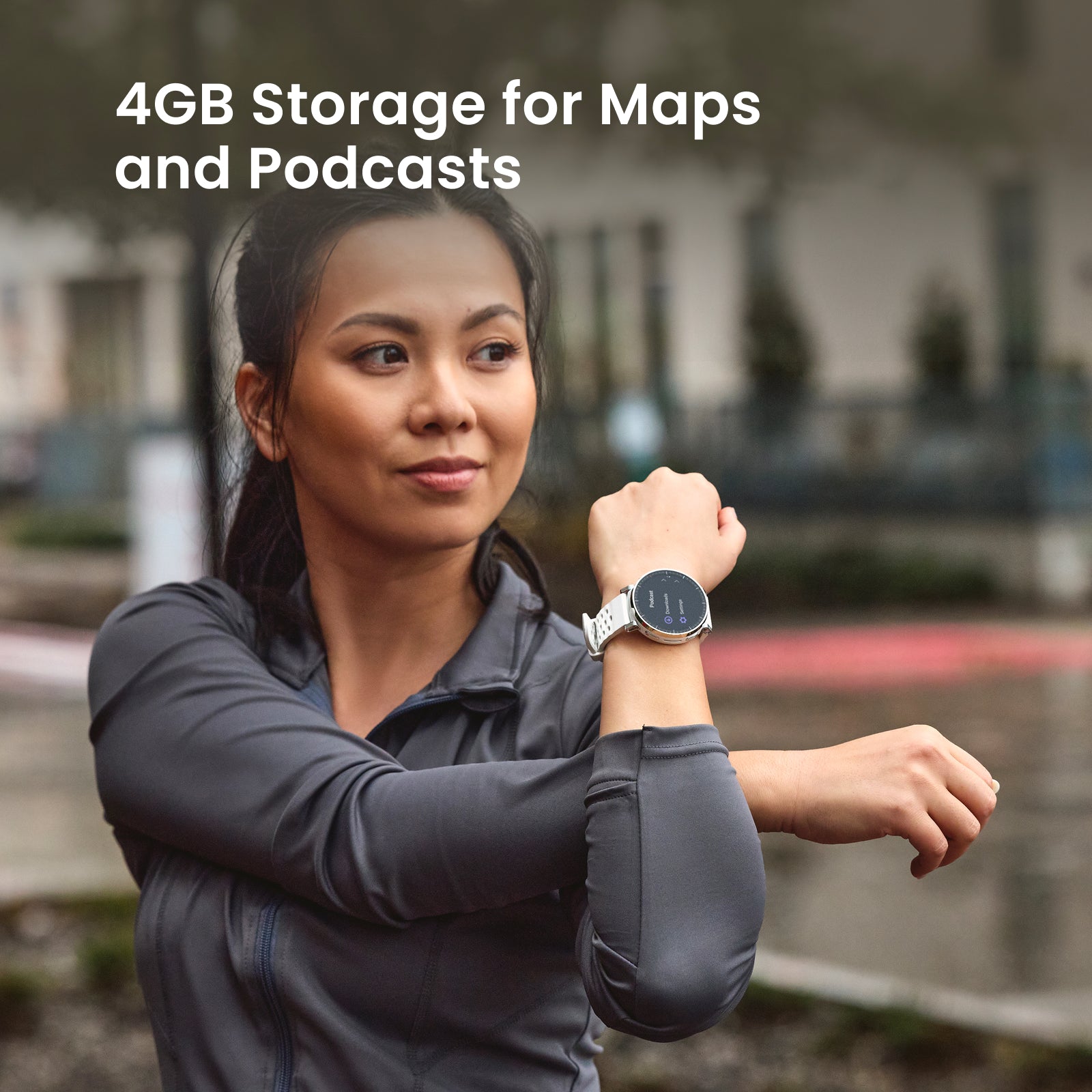
3. Podcast support will be added via software update.
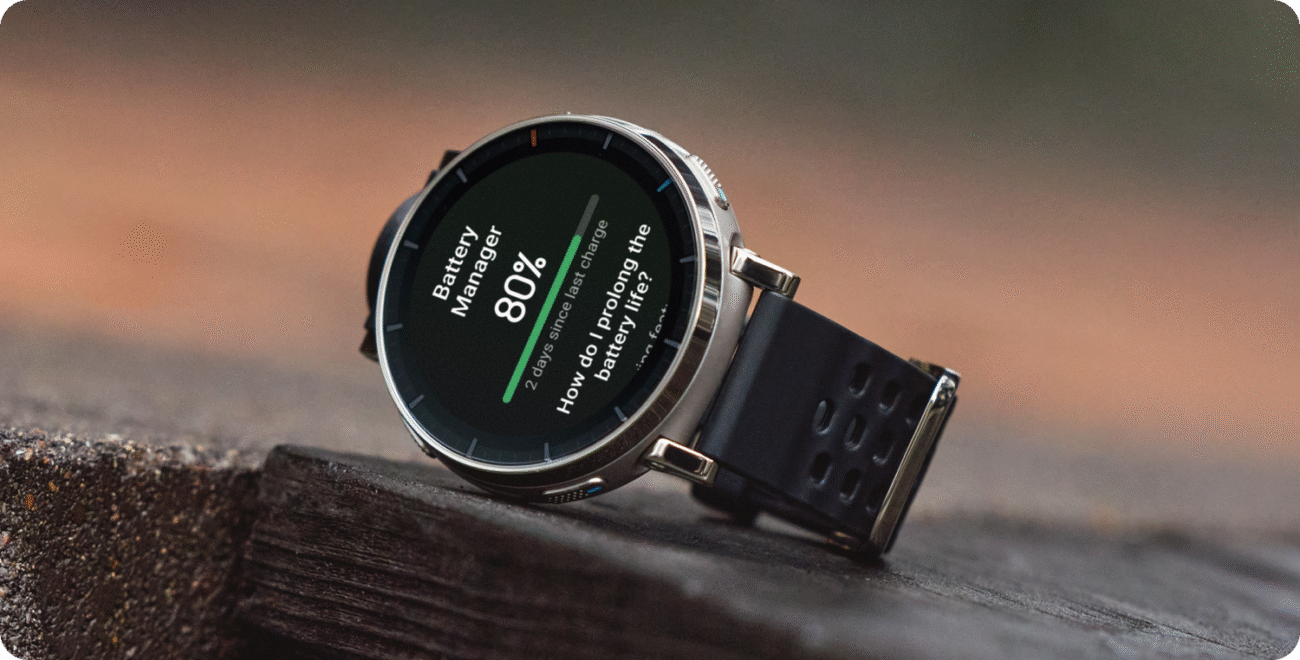
4. The battery life may vary according to the settings, operation conditions and other factors. So the actual result may differ from the laboratory data.
Typical usage scenario: Default screen brightness, static watch face, voice assistant off; 24/7 wear/heart rate always on (every 5 mins)/assisted sleep monitoring/sleep breathing quality monitoring (8 hrs/day)/stress monitoring; Weekly: 15 mins Bluetooth calls, 30 mins music playback, 90 mins GPS activity; Daily: 100 wrist-raise activations, 150 message notifications (screen off), 3 incoming calls, 5 mins of screen-on interaction.
Heavy usage scenario: Default screen brightness, dynamic watch face, voice assistant on; 24/7 wear/heart rate always on (every 1 min)/assisted sleep monitoring/sleep breathing quality monitoring (8 hrs/day)/stress monitoring; Weekly: 30 mins Bluetooth calls, 60 mins music playback, 210 mins GPS activity; Daily: 100 wrist-raise activations, 150 message notifications (screen on), 3 incoming calls, 5 mins of screen-on interaction.AOD Mode: Under Heavy Use mode, with smart always-on display enabled.GPS Continuous Use Time: Continuous GPS activity, heart rate always on, including watch trajectory recording.GPS Continuous Use with Music Playback: Enable continuous GPS movement, keep heart rate monitor always on, including watch tracking trajectory, watch playing music, with audio output via Bluetooth headphones.GPS Continuous Use Time (Power Saving Mode): Background services like heart rate, stress, sleep, Bluetooth disconnection from phone, and screen off (deactivating activity reminders, wrist raise to light up screen, and single click to light up screen) are disabled.
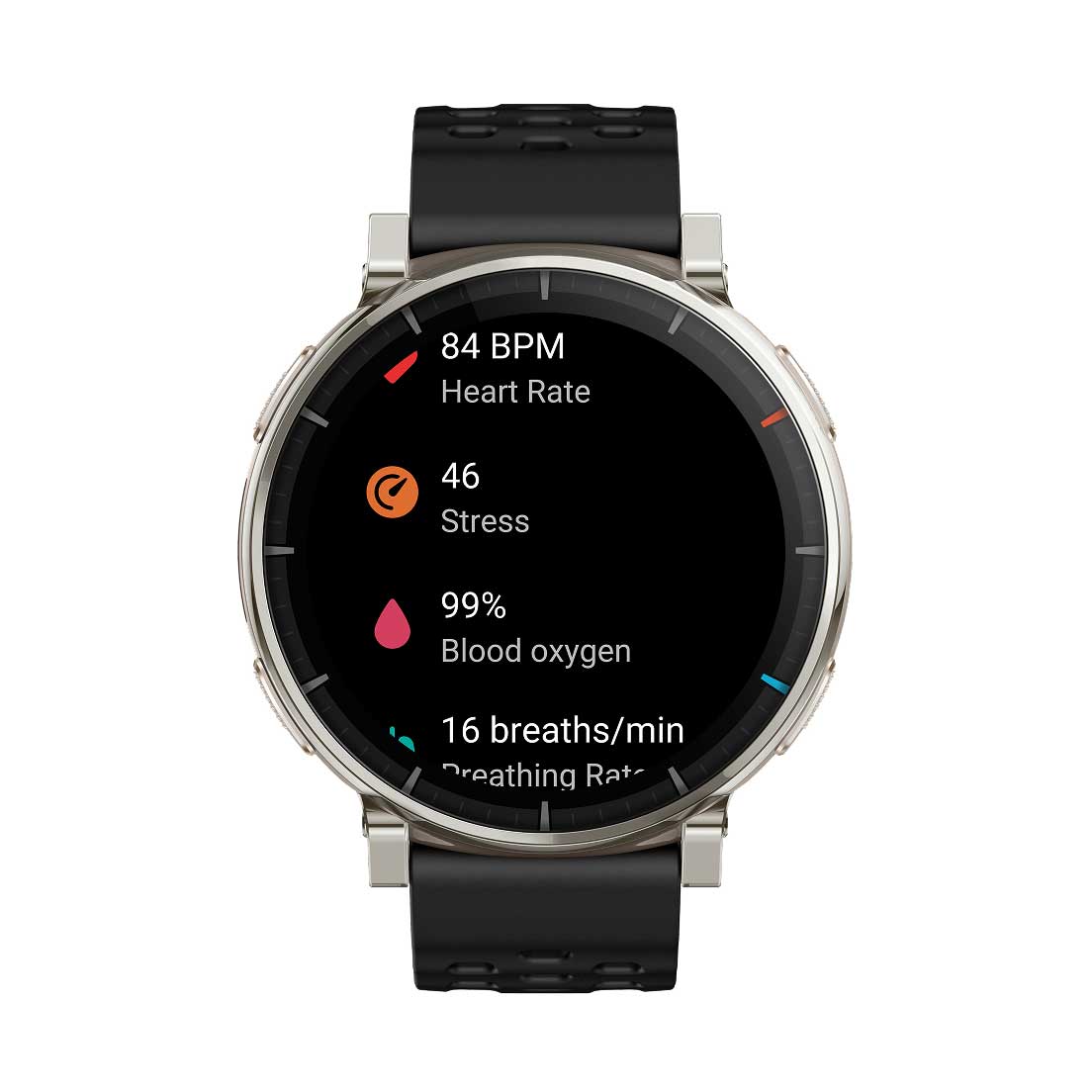
5. This product and the Zepp App are not medical devices and cannot be used for medical purposes, or as basis for diagnosis of any medical condition. Detection results are provided for reference only. Please consult professional medical institutions if you feel unwell. 24-hour monitoring of heart rate and blood-oxygen saturation (SpO₂) need to be enabled in the Zepp App. For heart rate monitoring, the user must enable Auto Heart Rate Monitor in the Zepp App, and the minimum value can be set to 1 minute. Abnormal heart rate alerts and the preset value need to be set in the Zepp App. To measure blood-oxygen saturation (SpO₂), please wear the watch tightly at one finger-width from the wrist, and keep your arm still for best results. SpO₂ alerts are sent if the detected rate is too low compared to the preset value, which needs to be set in the Zepp App, at a minimum of 80%. Movement, and environmental and physical characteristics can affect speed and accuracy of monitoring and measurement. The 24-hour stress level monitoring needs to be enabled on the watch or in the Zepp App. Alerts for high stress levels are based on the preset value, and prompts for the breathing exercise need to be enabled on the watch. Smart health alerts need to be enabled in the watch settings or Zepp App. To process the one-tap measurement and other manual metric measurements, please wear the watch tightly at one finger-width from the wrist, and keep your arm still for best results. Movement, and environmental and physical characteristics can affect speed and accuracy of monitoring and measurement.
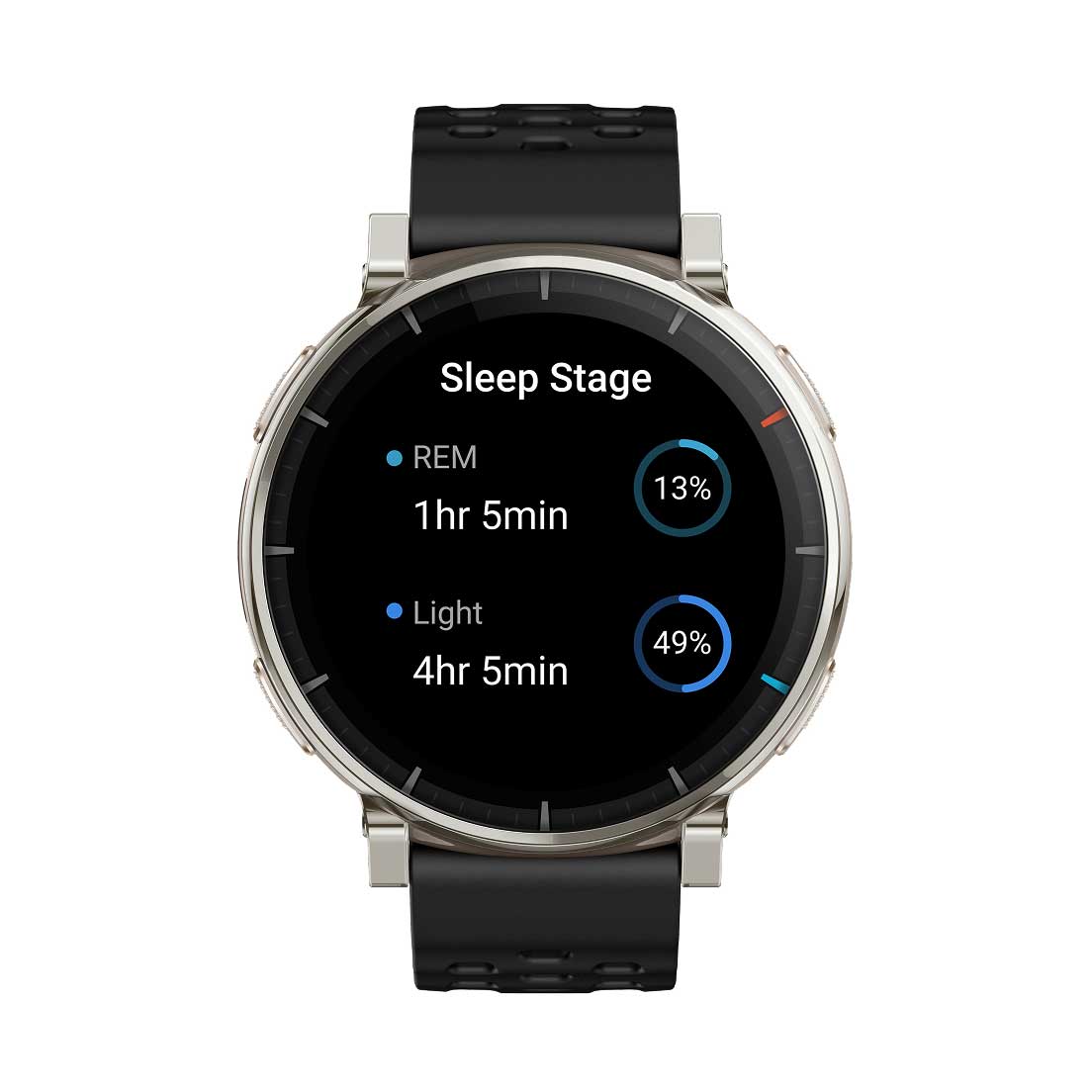
6. Sleep monitoring can record night sleep and naps that last more than 20 minutes. Sleep Breathing Quality tracking needs to be enabled in the Zepp App or in the settings of the watch's Sleep feature.
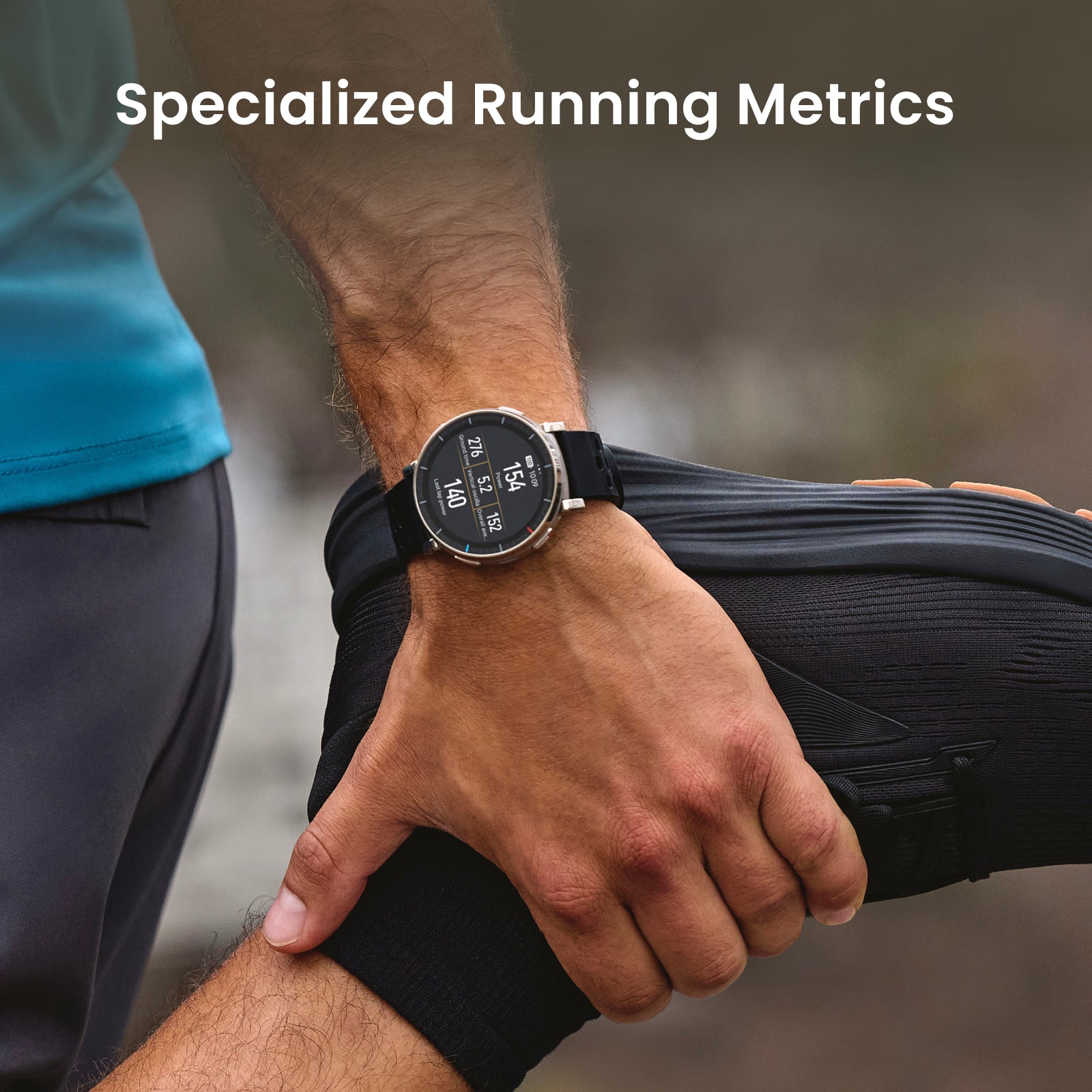
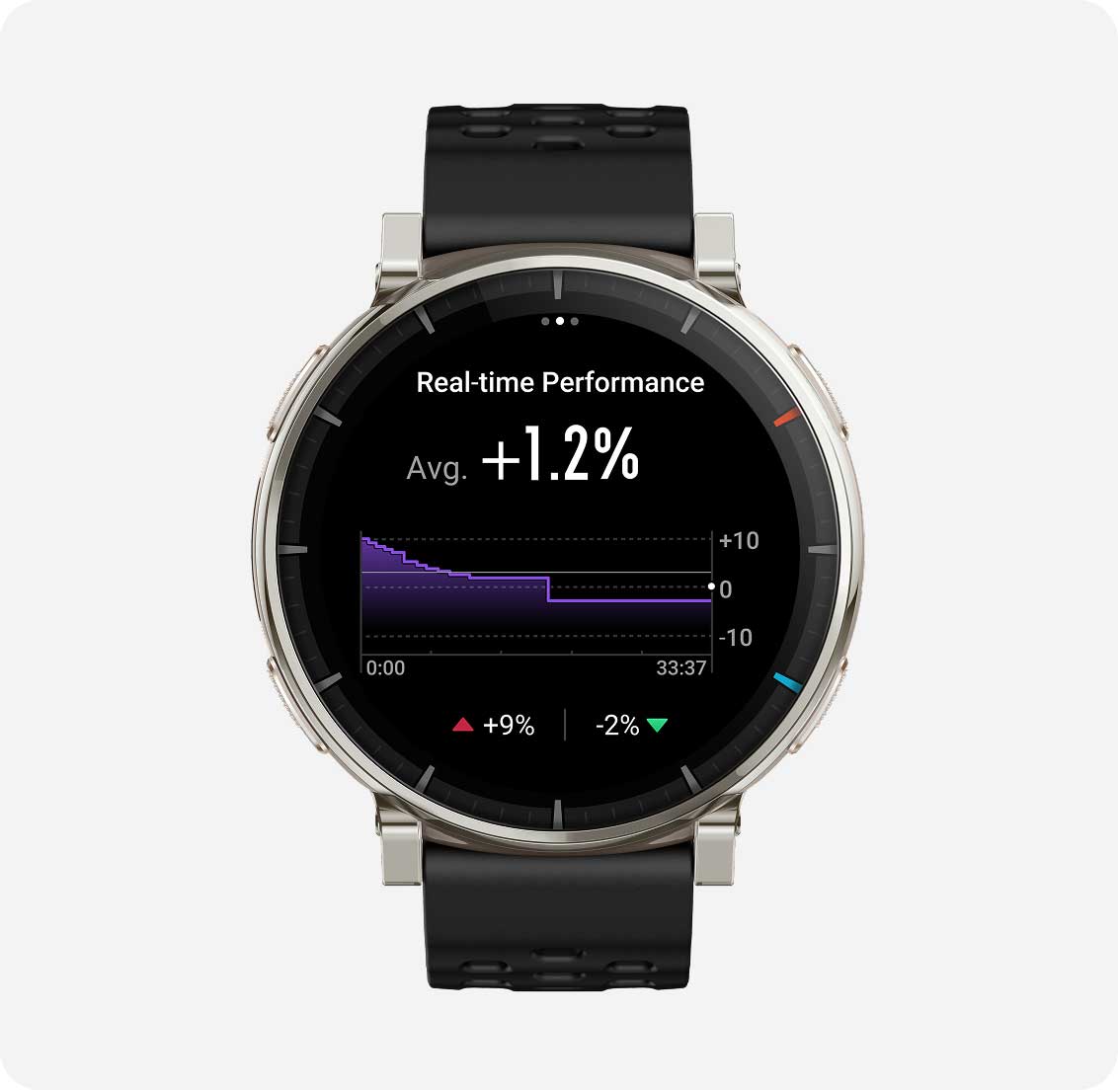
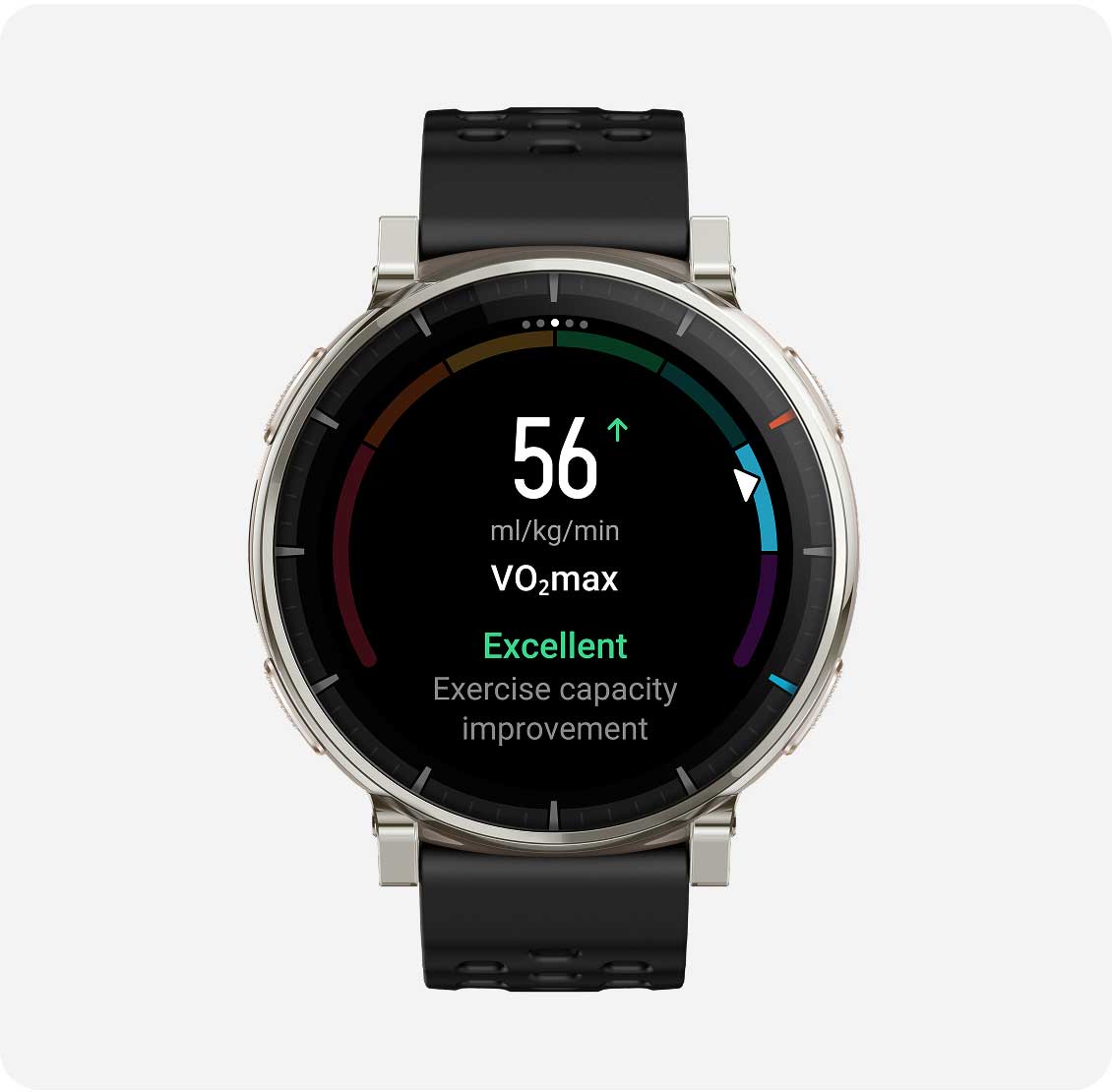
7. Real-time performance scores and VO₂ Max are only supported within Outdoor Running, Trail Running, and Track Run modes.
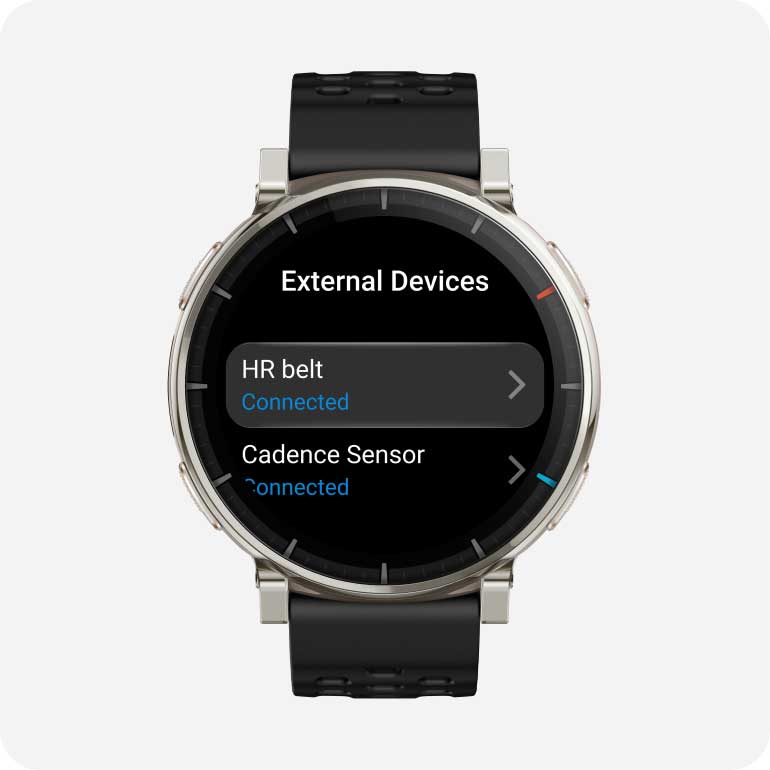
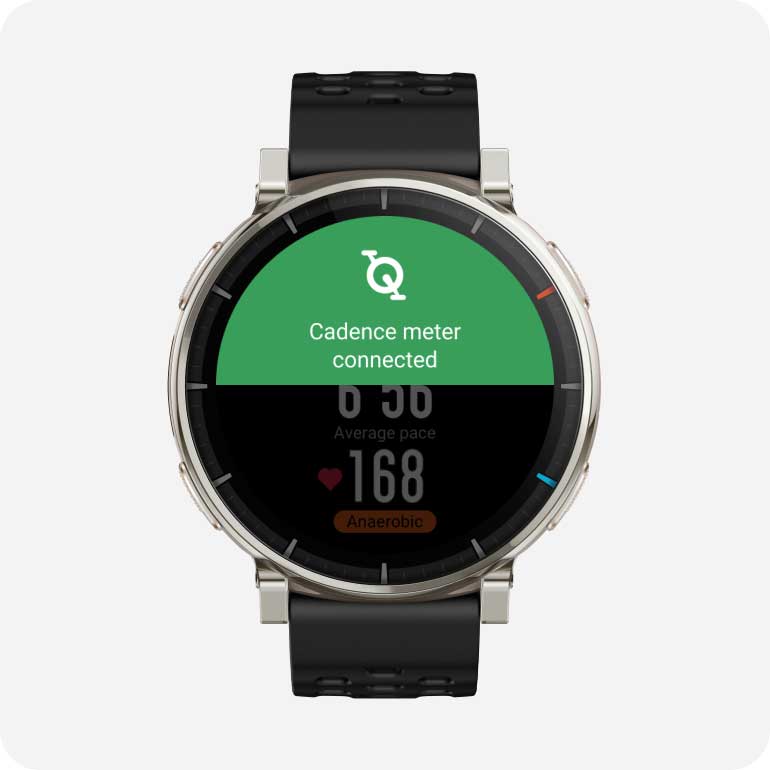
8. Connection to peripheral Bluetooth devices only supports devices with BLE connection. Supported devices include: heart rate belts, power meters, cadence meters, cycling speedometers, and thermometers.
9. Zepp Flow™ currently supports these languages: English, French, German, Italian, Spanish, Japanese, Korean, Portuguese.
10. WhatsApp speech-to-text replies, and receiving of picture messages from instant messaging platforms, require connection to an Android phone with Android 7 or above.
11. The material used for the packaging box is 100% recyclable, with naturally degradable materials including mineral-free inks and anodized aluminum used in the bronzing process.
12. According to the ISO 22810:2010 standard, the Amazfit Active 3 Premium achieves a rating of 5 ATM, for a water-resistance of up to 50 meters, and is therefore suitable for splashes, snow, showering, or swimming. It has passed third-party testing conducted by TUV-SUD, and the report number is 68.189.26.01120.01. Remove the watch when taking a hot shower or trip to the sauna, since too much steam can affect the seal and make it less water-resistant in future. Do not wear the watch with a leather or metal strap when swimming - when preparing to swim, change to a silicone strap or other suitable type. For more information, please visit the support page at: support.amazfit.com
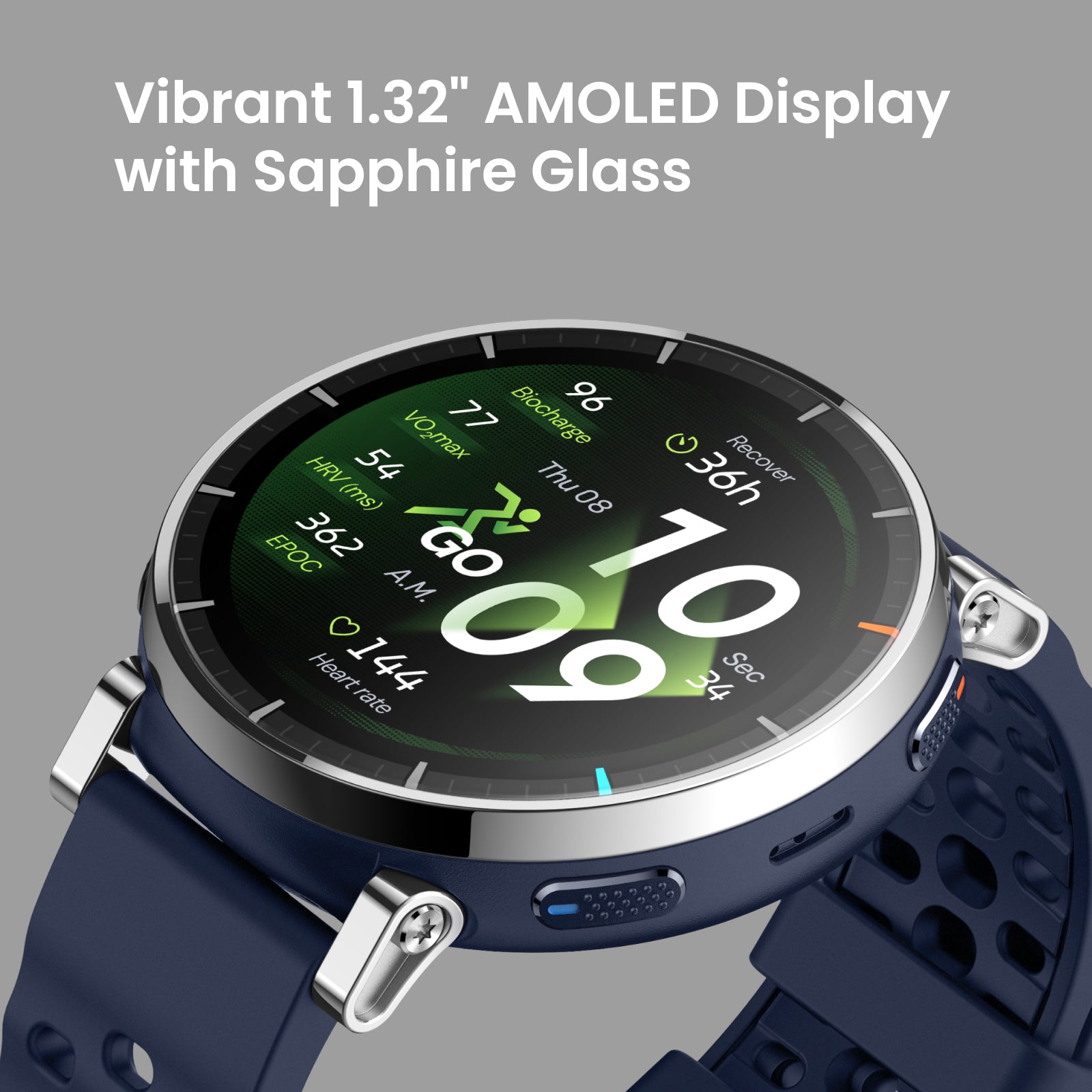
13. 3,000nit brightness is not supported if battery life is below 30%. Depending on your environment, the watch can reach up to 2,000nit brightness after automatic brightness has been enabled in the watch settings.
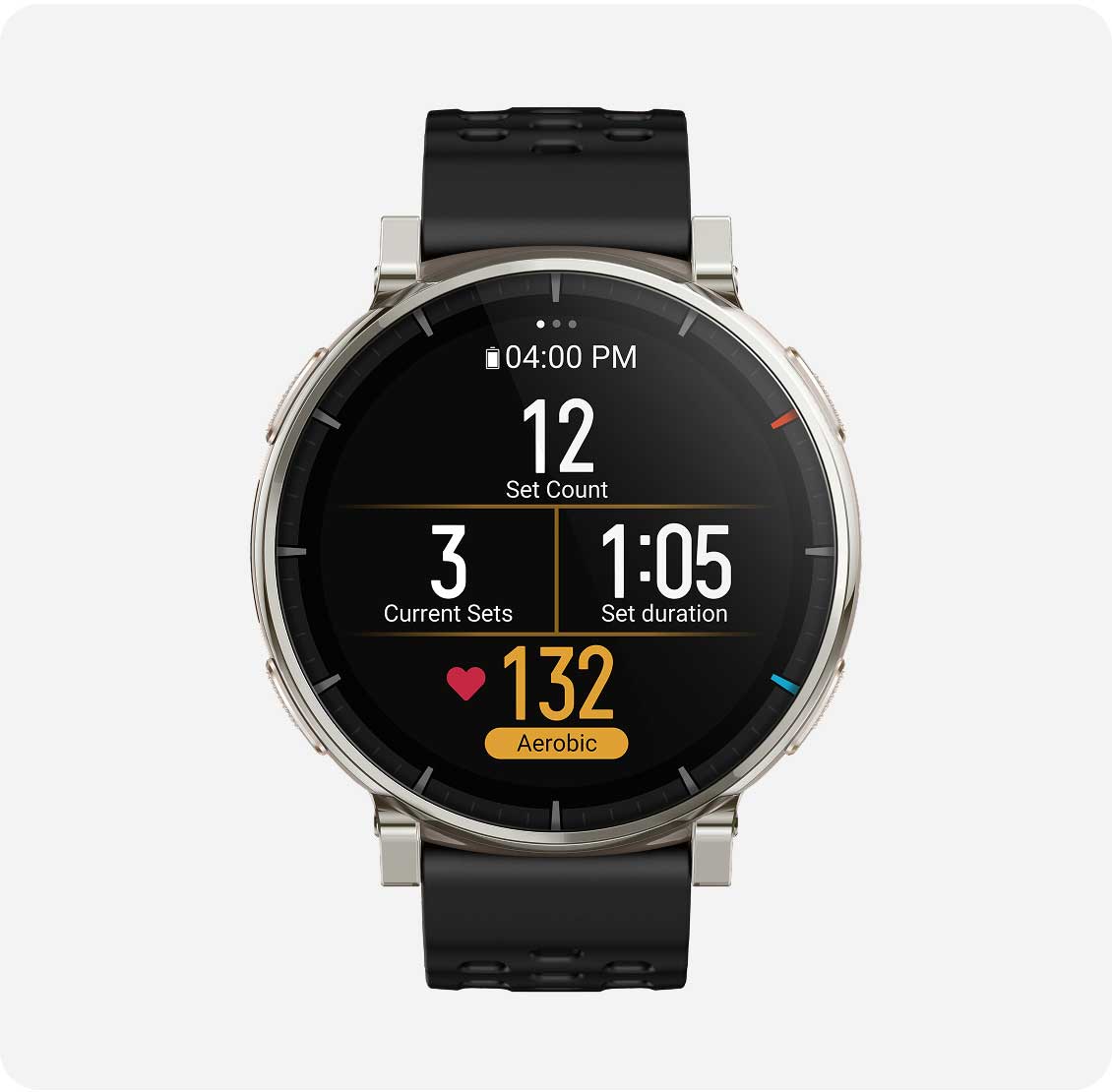
14. Smart recognition of strength training exercises can only be engaged within the Strength Training sports mode. 25 exercises are able to be recognized at time of product release, including: Bodyweight squats, Bodyweight straight arm front squats, Barbell squats, Tricep pushdowns, Bent over rows, Barbell bench press, Sit-up holds, Knee-touch sit-ups, Dumbbell flys, Burpees, Burpee jumps, Overhead tricep extensions, Lying tricep extensions, Lateral raises, Jumping jacks, Lat pulldowns, Deadlift, Push-up, Shoulder press, Pull up, Bicep curls, Seated cable rows, Dumbbell drag curls, Straight-arm pulldowns, Russian twists. If an exercise is not auto-recognized by watch, the Zepp App can provide a list of muscle groups or exercise names to choose from.
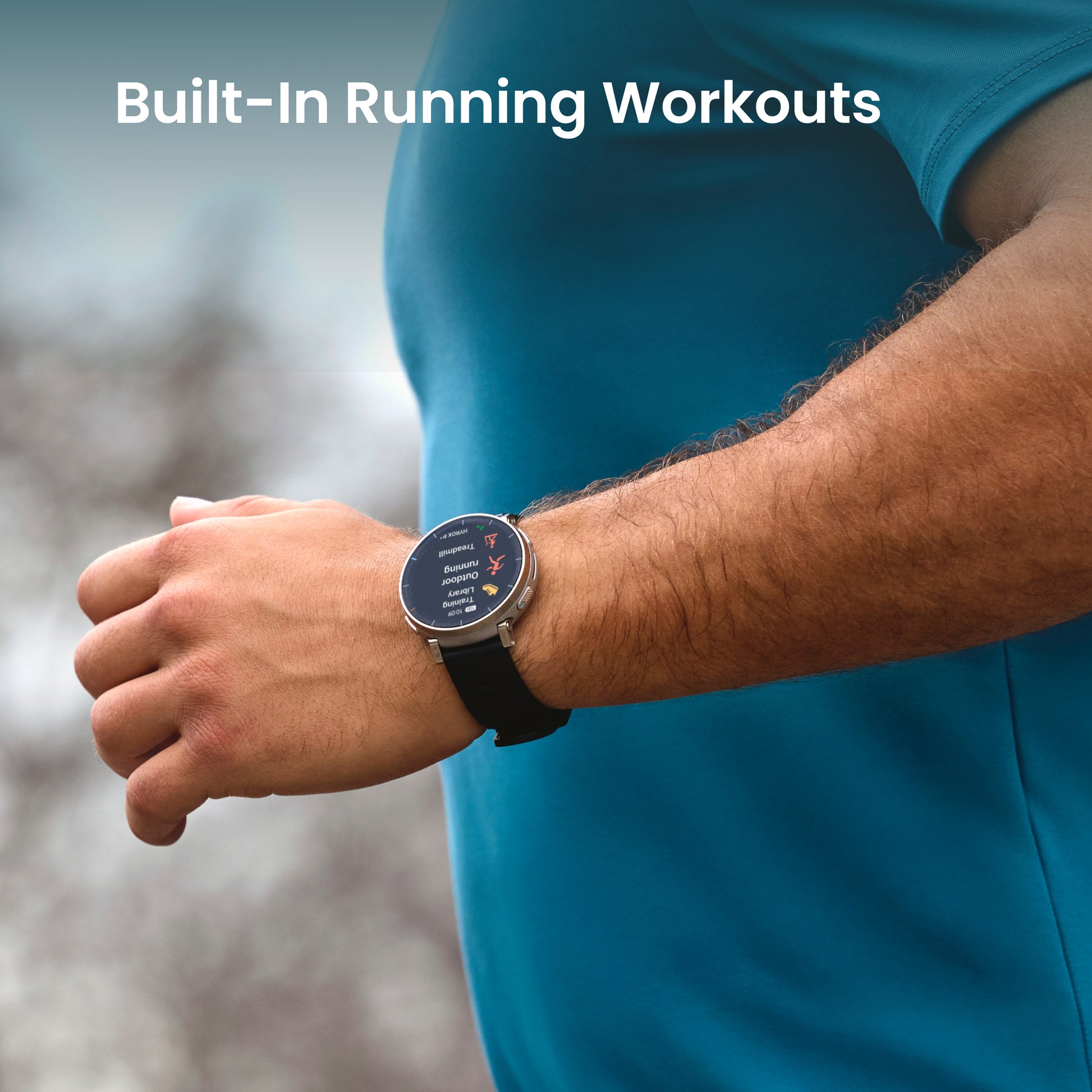
15. Corresponding sports modes include: Outdoor Running, Treadmill, Walking, Indoor Walking, Outdoor Cycling, Pool Swimming, Rowing Machine, Elliptical. The accuracy and sensitivity of the workout recognition feature varies from person to person, and are related to the posture and proficiency of the user during their workout. Short workout duration or frequent changes in posture may not trigger the automatic recognition feature. When you are driving a car or taking a bus, or taking part in other such activities, accidental recognition may be triggered if these activities are particularly similar to the selected workout mode. When you are conducting outdoor activities, if the GPS signal is poor or the AGPS data information has not been synchronized with the mobile phone for an extended period, these outdoor activities may be assessed as indoor activities.
16. Training templates and interval training templates are compatible with: Strength training, Outdoor running, Treadmill, Outdoor cycling, Indoor cycling, Rope skipping, Rowing machine, Indoor fitness, Core training, and Stair climbing, Pool Swimming, Mountain Biking, BMX, HIIT, Cross Training, Race Walking, Track Running, Electric Bicycle, Electric Mountain Bike, Gravel Cycling, Road Cycling, Off-Road Cycling, HYROX Training.
17. App availability may vary depending on your country or region, or device.
18. Live Sports Data Broadcast and live broadcast of turn-by-turn directions supports English and Chinese broadcasts; this must be enabled in the watch setting.
19. Alerts and reminders need to be enabled in the watch settings or Zepp App.
20. Morning updates need to be set in the Zepp App or in the watch settings, and the currently supported content is: weather, battery, sleep, schedule, PAI, yesterday's activity.
21. Due to the device's storage limit, only a maximum of 20 membership cards can be added to the same account. Supported codes include Code 128, Code 39, UPC A, EAN 13, and EAN 8 and QR codes.























Ulasan
Belum ada ulasan.